Store once
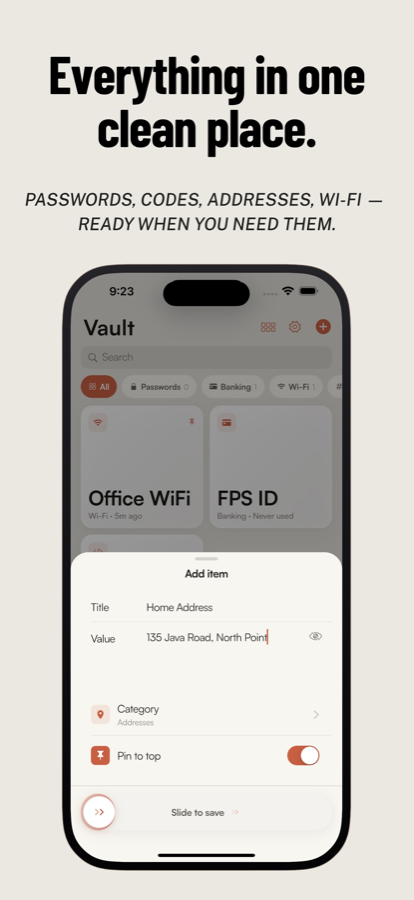
Save titles and values with optional categories. Pin what you use most.
 ClipValGet the app
Private · Local-first · One-tap
Store once → Tap once → Paste anywhere.
A private, one-tap vault for any value you copy all the time — without turning into a password manager or a cloud notes app.
Core promise
ClipVal has exactly one purpose: store any value and copy it with a single tap. Everything else stays out of the way.
Save titles and values with optional categories. Pin what you use most.
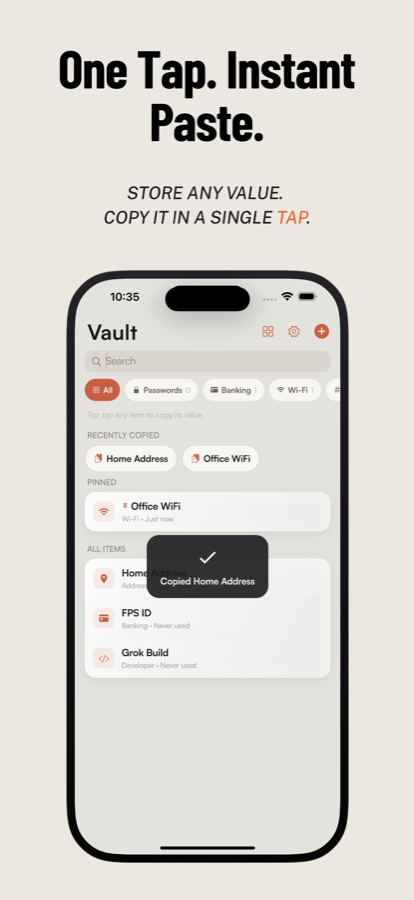
Open the vault, tap the card. Value hits the clipboard in under a second.
Switch apps and paste — bank forms, terminals, chats, checkout fields.
Features
Built for developers, freelancers, and anyone tired of hunting through Notes for the same snippet.
Tap any item and its value is on your clipboard — toast, haptic, done.
API keys, FPS IDs, Wi‑Fi passwords, addresses, templates, promo codes.
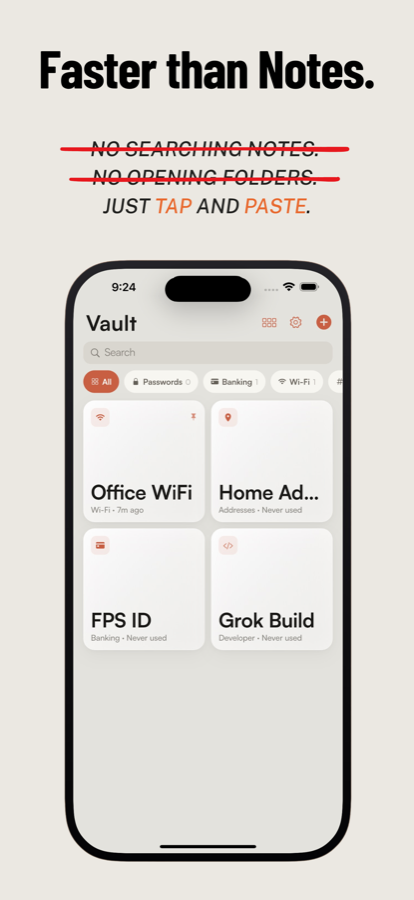
Switch views, pin favorites, search by title, filter by category.
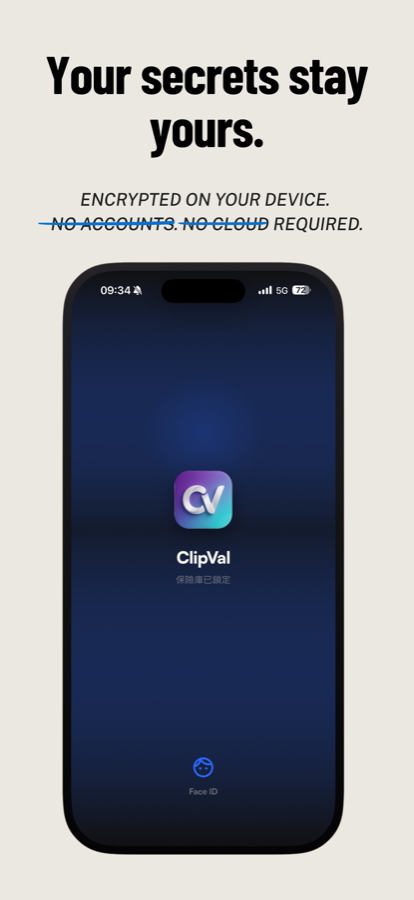
Optional biometric gate. Vault re-locks when you leave the app.
Values encrypted on device. Key lives in the Keychain — not in plain files.
Optional auto-clear after a few seconds so secrets don’t linger.
Opt-in private CloudKit sync — your iCloud only, encrypted on device, no ClipVal account.
Use cases
Privacy by design
No ClipVal account and no ClipVal servers that see your values. Everything is encrypted on device. Optional iCloud sync uses only your private CloudKit — off until you turn it on.
Product
Warm, focused UI — vault, copy feedback, lock screen, and settings.
Get ClipVal
One-purpose clipboard vault for iOS. Private by default. Ready when you need that code — not when a password manager finishes loading.
View on the App StoreFree to start · No account · Local-first · Optional iCloud